
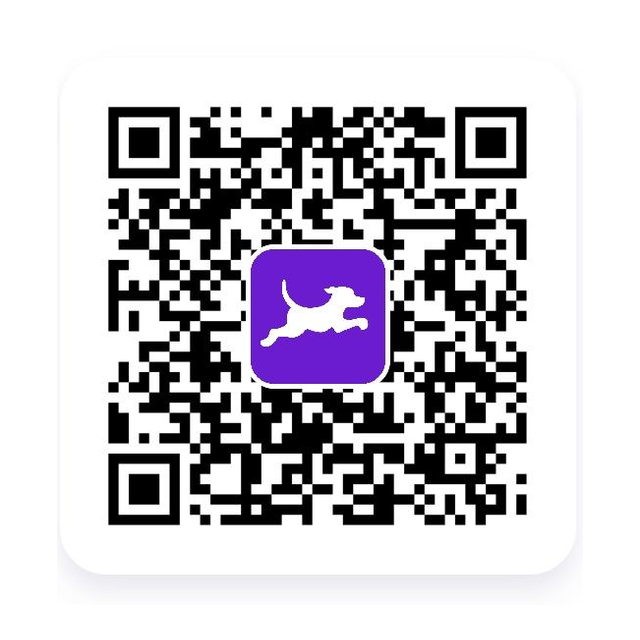
How the Fetch referral signup works
- Scan the invitation QR code with your phone camera, or download Fetch from your device's app store.
- Create a new eligible Fetch account using accurate information.
- Confirm referral code E5EYX is applied before submitting your first receipt.
- Snap a clear image of an eligible first receipt and allow it to finish processing.
- Check the points activity and current gift-card redemption rules in Fetch.
Referral promotions change. The offer displayed by Fetch during signup controls eligibility, deadlines, required activity, reward value, and payment timing.
Eligibility and reward details
Fetch controls new-user eligibility, receipt requirements, referral point values, promotional deadlines, processing, account limits, and redemption options. The temporary point amount shown in the app can change.
What to check before you join
- Confirm E5EYX is accepted before submitting the first receipt.
- Use a genuine, eligible, readable receipt that has not already been submitted.
- Review the current point amount and promotion deadline in the app.
- Keep the QR image and receipt until the points finish processing.
Official program information
Read Fetch's official referral information →
If the referral does not track
Keep the original invitation, screenshots of the offer, confirmation messages, and any qualifying transaction details. Contact Fetch support through its official app or website and provide the requested account information. Never post private account details publicly.